

What is Plus AI?
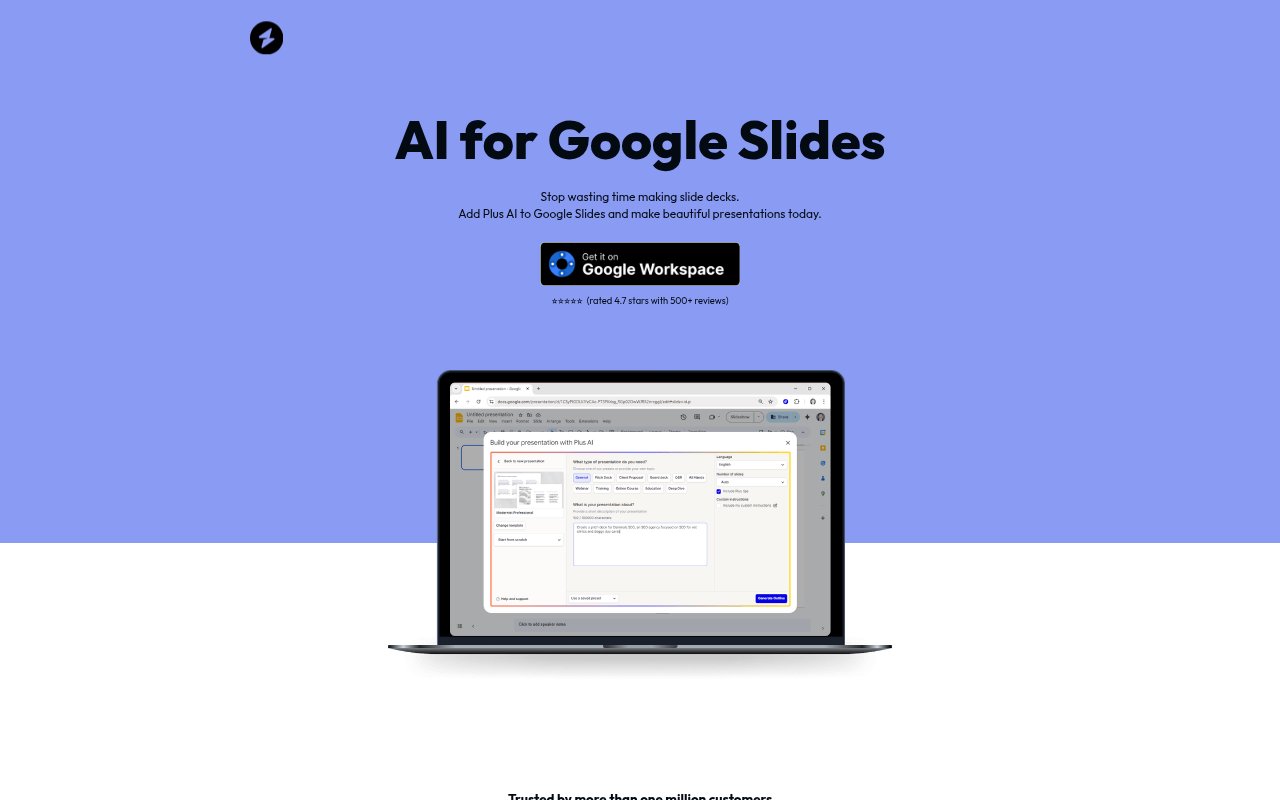
Plus AI is an add-on for Google Slides that helps people create new presentations and revise existing decks with AI. Users can start with a prompt or a document, or use the add-on to work on slides they already have. It is suited to teams and individuals who make presentations for work, training, or teaching and want to keep building and sharing them in Google Slides.
Plus AI Features:
Prompt-Based Creation: Start a new presentation by giving the add-on a prompt, and have it generate slides from that direction.
Document-Based Creation: Use a document as the starting point for a new presentation rather than beginning with a blank deck.
Presentation Outlines: Create an outline with AI and use it as the basis for a presentation.
Existing Deck Editing: Open the add-on to edit presentations that are already in Google Slides.
Slide Formatting: Use AI to format slides, align text boxes, and check presentation formatting.
Brand Styling: Set brand colors and a logo so generated slides can use your brand identity.
Google Slides Controls: Generated slides are regular Google Slides that can be adjusted, commented on, and changed with undo and redo.
Plus AI Benefits:
Faster Deck Creation: Starting from a prompt, document, or outline can reduce the time spent building a new presentation from scratch.
Less Manual Cleanup: Automated formatting and text-box alignment leave users with less routine slide arranging to handle themselves.
Consistent Brand Identity: Using preset brand colors and a logo helps keep generated slides aligned with a team's visual identity.
Familiar Editing: Because the output remains in Google Slides, users can continue adjusting and reviewing it in the tool they already use.
Straightforward Sharing: Finished decks can be shared through the usual Google Slides process, without a separate presentation workflow.
Use Cases:
Sales Proposals: Turn an outline into a presentation for a prospective customer, leaving more time to prepare for the deal conversation.
Employee Training: Build slides for introducing new employees to the team, workplace, or training material.
Classroom Teaching: Create lesson presentations for students from a prompt, document, or prepared outline.
Weekly Team Updates: Prepare recurring team presentations in Google Slides and use AI suggestions to help shape the slides.
Deck Formatting: Tidy an existing presentation by asking the add-on to help with text-box alignment and slide formatting.