
What is Pose Lab?
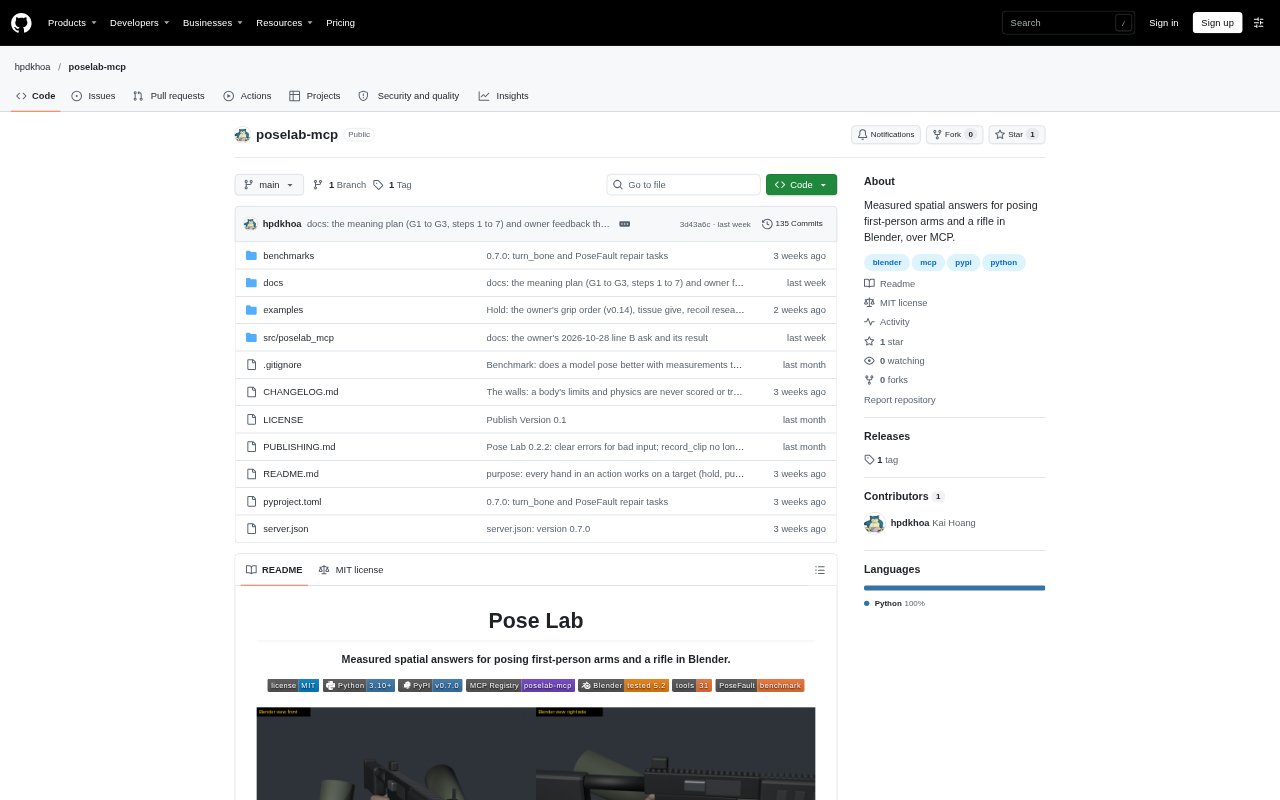
Pose Lab is an MCP server that gives models measured tools for posing first-person arms and a rifle in Blender. It is aimed at people building or checking first-person game rigs and animations. Rather than relying on visual judgment alone, it reports positions, collisions, hand contact, arm limits and what the player can see. Models can also search rifle movements for specified goals and check or repair animation clips.
Pose Lab Features:
Rig Inspection: List and load rigs, then inspect their named frames, points, clips and moving parts before making pose changes.
Spatial Measurements: Measure positions in named gun, arms and view frames, check distances and find how deeply body parts intersect the rifle.
Pose Controls: Move or rotate the rifle while arm IK keeps the hands on their holds, reach a wrist to a point or turn a bone.
Pose Checks: Check arm and finger ranges, palm contact, grip, surface orientation, visibility and whether parts fall within the player's view.
Goal Search: Search rifle movements against goals and report which goals are met by the sampled positions and which cannot be met.
Clip Tools: Scan animation frame by frame, repair failed checks, retarget motion to another rig and save clips as pose data or FBX.
Pose Lab Benefits:
Fewer Visual Guesses: Measured positions and contact checks make spatial problems easier to diagnose than judging a pose from an image alone.
Clearer Failure Causes: Reports identify the values and rules a pose breaks, helping distinguish a bad rifle position from a hand or arm issue.
Earlier Feasibility Checks: Goal searches show when rifle movement alone cannot meet a target, so artists can consider changing the hand pose.
Consistent Clip Review: Frame-by-frame checks reveal where a problem occurs and summarize its worst value and failing time spans.
More Useful Retargeting: Keeping a hand on the target rig's own gun hold helps preserve the intended grip while sharing motion from another rig.
Use Cases:
Rifle Pose Design: Adjust a first-person rifle's roll, swing, pitch and position while keeping the character's hands attached to their holds.
Grip Troubleshooting: Find whether a palm faces the rifle, whether fingers contact it correctly or whether a hand clips through the weapon.
Arm Pose Review: Check whether an aiming or handling pose breaks elbow, wrist or finger limits, then identify which rule needs attention.
Animation Quality Checks: Scan a first-person weapon animation for clipping, lost hand contact or visibility issues across its frames.
Weapon Visibility: Assess whether a rifle surface faces the player's eye and whether the arms or weapon cover too much of the view.