

What is Sentrint?
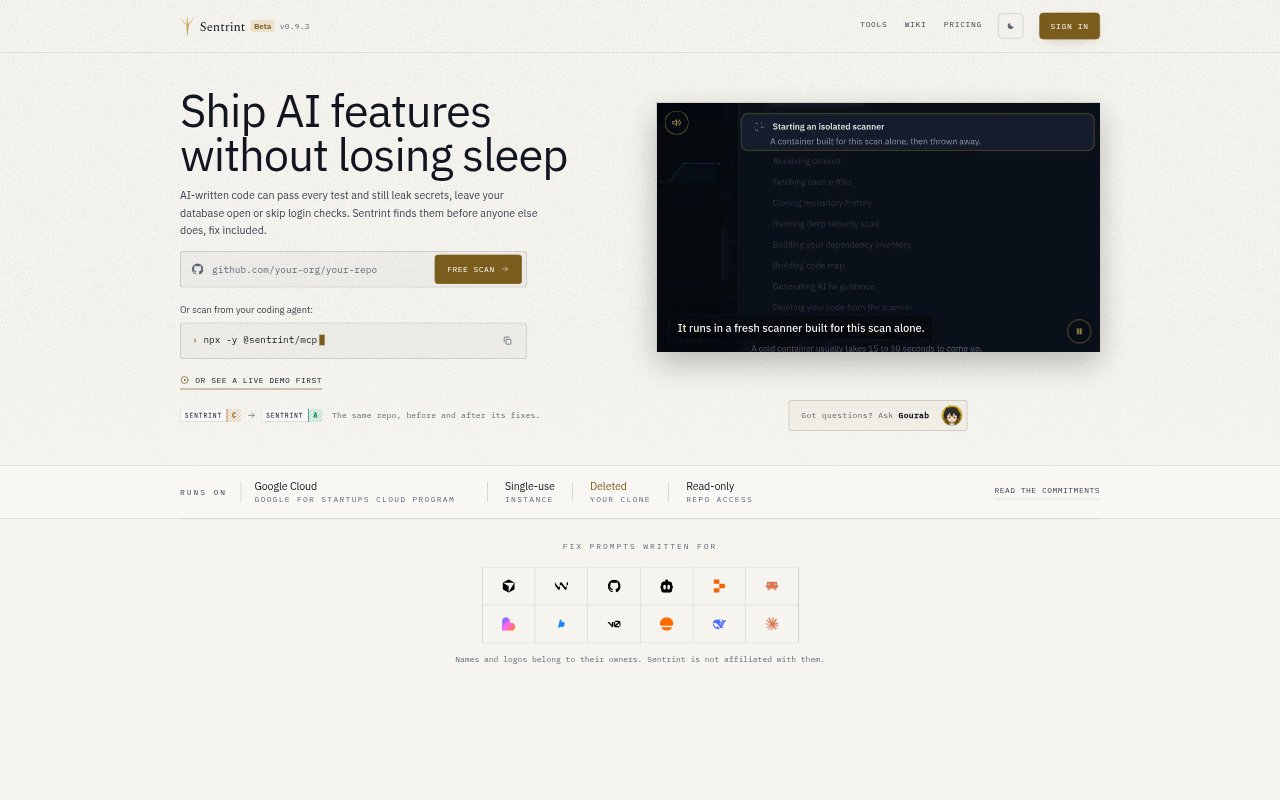
Sentrint is a repository-based security scanner for founders and teams building apps with AI coding tools. It reads a selected GitHub repository for issues such as exposed credentials, weak database access rules, vulnerable dependencies and unguarded routes, then provides a risk score, plain-English findings and prompts for fixing code with the tool used to build it. It scans source code rather than running the application, so it is a code-review aid, not a live-site test or penetration test.
Sentrint Features:
Repository Scanning: Connect a GitHub repository for read-only scanning; Sentrint checks the code and lockfiles without pushing commits or changing repository settings.
Security Checks: The scanner looks for hardcoded secrets, database access rules, vulnerable dependencies and risky code paths, including routes without login checks.
Finding Details: Reports include a score, plain-English explanations and the affected file and line, with code findings marked confirmed, unclear or false positive.
AI Review: A second review checks critical and high code findings to help reduce false positives; it cannot add a new finding or remove one from the report.
Fix Prompts: Sentrint creates prompts tailored to the AI coding tool used to build the app, ordered by risk and constrained to the relevant code changes.
Scan History: Rescanning shows what has changed, while searchable audit logs record scans and account activity and can be downloaded as CSV or JSON.
Sentrint Benefits:
Clearer Priorities: A ranked view of risks helps builders decide which problems to address first instead of treating every finding as equally urgent.
Less Security Jargon: Plain-language explanations make code risks easier to understand for people who do not have a cybersecurity background.
Faster Fix Handoff: Tool-specific prompts give builders a practical starting point for asking their coding assistant to address a finding.
More Confident Reviews: The second look at serious code findings helps users judge which alerts merit attention without relying on an unexplained scanner result.
Visible Progress: Comparing scans helps teams see which problems were fixed and which appeared after later code changes.
Use Cases:
Prelaunch App Check: Scan an AI-built app before launch to look for exposed keys, weak database policies or routes that lack access checks.
After AI Edits: Run another scan after a coding assistant has revised the app to check what changed and whether new risks appeared.
Solo Founder Review: Use a repository scan to inspect a project when you are building with AI tools but do not have a security specialist on hand.
Dependency Review: Check a project's dependencies for known vulnerabilities and review the inventory when a customer requests a software bill of materials.
Fixing Findings: Use the file-level details and tailored prompt to guide an AI coding tool through fixing a specific security issue.